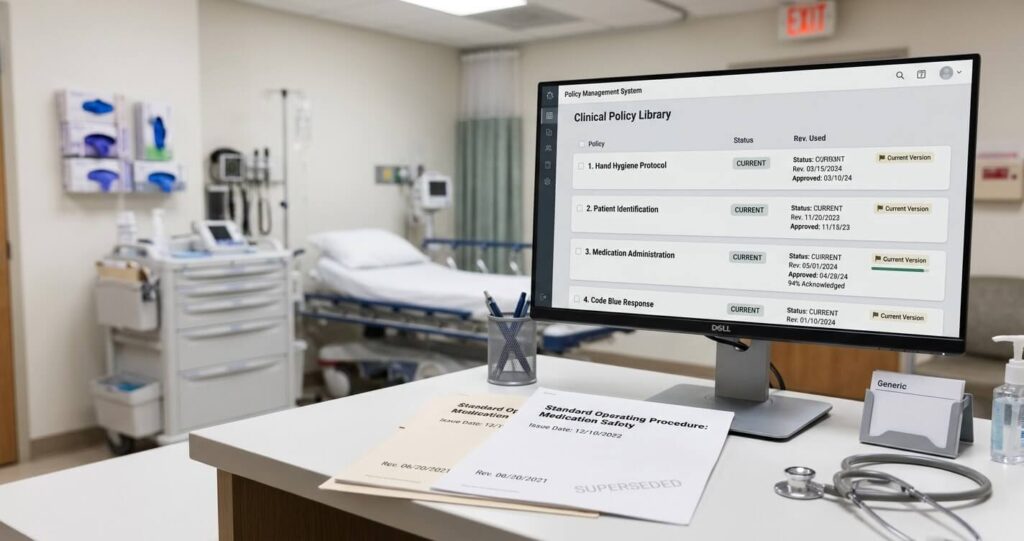
A revised policy can be approved on Monday and still leave staff unsure what to do on Tuesday. Someone has the old attachment. A manager knows the procedure changed but cannot find the related training. The policy owner has a completion report without a clear explanation of the outstanding items.
A practical policy update workflow connects the approved document to the people, actions, and records that follow. Before releasing your next update, walk through these five questions with the people responsible for the handoff.
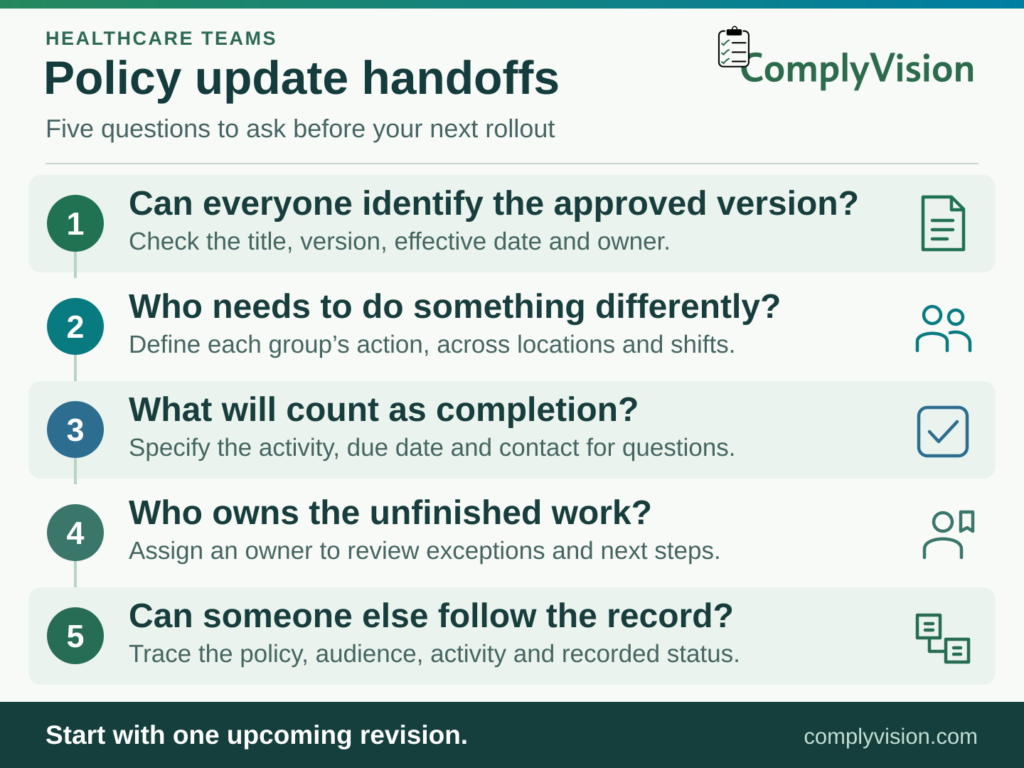
1. Can everyone identify the approved version?
Start with the document itself. Give the update a clear title, version identifier, effective date, and owner. Summarize what changed in plain language so a busy staff member can understand why the update matters.
Point staff to the controlled location for the current policy rather than distributing another attachment that may be saved and reused later. Check related materials too. A quick-reference guide, training slide, or departmental checklist may still describe the previous process even after the policy has been updated.
2. Who needs to do something differently?
Define the audience by responsibility. The people who approve a policy, apply it, train others, and answer questions may be different groups.
For example, a revised document-routing procedure might affect intake staff, supervisors, and the person responsible for filing completed records. Each group needs to know its own next step. Identify who must acknowledge the update, who needs additional instruction, and who should receive it for reference. Check whether staff working across locations or shifts are included.
3. What will count as completion?
Decide what you need to record before sending the update. Reading a document, acknowledging it, completing a knowledge check, and demonstrating a procedure provide different information. Choose the activity that fits the change, and make the expected action explicit.
A useful notification explains what changed, where to find the current material, what the recipient must do, and the date the organization expects completion. Provide a contact for questions rather than leaving staff to interpret an unfamiliar instruction alone.
ComplyVision’s policy acknowledgment and training workflows link staff to policies and related training materials through notices and reminders. The platform also supports testing and score recording. Decide which activities your rollout needs before configuring the workflow.
4. Who owns the unfinished work?
Plan for exceptions before the first reminder goes out. A missing acknowledgment could mean the person is away, the assignment reached the wrong team, or the material needs clarification. Those situations need different responses.
Give someone responsibility for reviewing outstanding items and deciding the next action. Record the reason an item remains open and any agreed follow-up. Where an assignment no longer applies, have the appropriate owner review it rather than treating every incomplete item as a staff performance problem.
Keep the review focused on resolving the work. Repeated reminders alone will not clarify an ambiguous instruction or correct an assignment sent to the wrong person.
5. Can someone else follow the record?
Ask a colleague who did not manage the rollout to trace one update. Can they identify the approved policy, the affected audience, the requested activity, and its recorded status? Can they find related training and understand any unresolved exceptions?
This small retrieval exercise can reveal gaps that a simple completion total misses. Record the gaps, assign an owner, and repeat the check after the fix. Keep evidence in the locations and formats your organization has approved.
Start with one policy update
Choose an upcoming revision and use these questions as a handoff checklist. You can learn where responsibilities are unclear without redesigning your entire policy program at once.
ComplyVision’s compliance workflow management platform brings together policies, procedural steps, task acknowledgments, training, dashboards, and scheduled reports. Use a demonstration to walk through your actual policy update process, including its exceptions, and discuss how those capabilities would support it.
Your team remains responsible for deciding which requirements apply and what evidence is appropriate. A clearly defined handoff gives that team a more organized way to put its decisions into practice.